
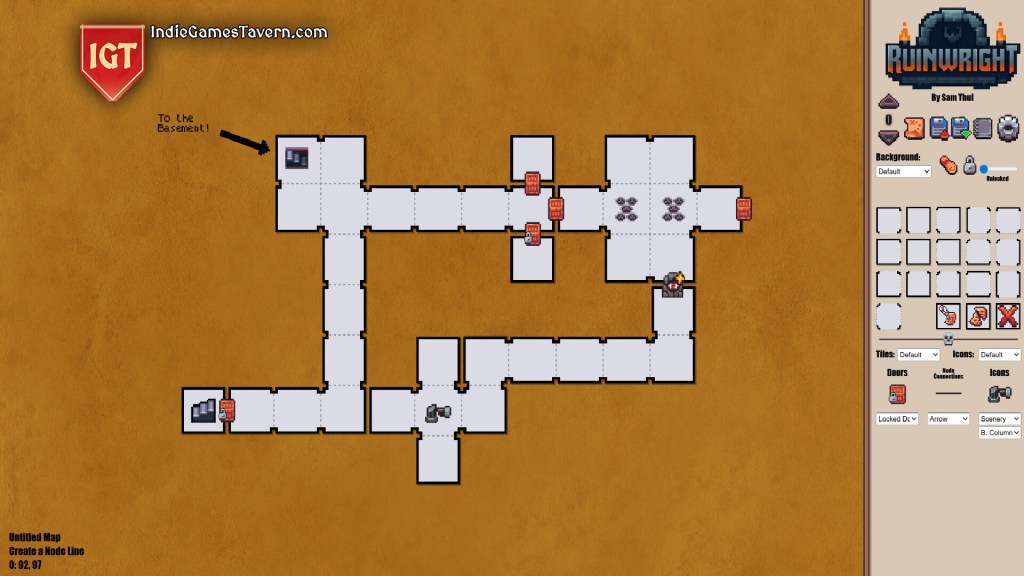
Ruinwright — released on Steam on November 26, 2025 — is a mapping tool created by indie developer Sam Thul. Rather than being a game itself, Ruinwright is designed to feel like “drawing on graph paper” for dungeon-mapping: ideal for fans of old grid-based RPGs, tabletop RPGs, classic adventure games or any project where you need to draw, plan or track dungeon layouts, rooms, and connections.
If you’ve ever wished for a simple, no-frills way to draw maps — whether for personal playthroughs, tabletop campaigns, world-building, or game-prototyping — Ruinwright promises to deliver a clean, nostalgic, and modernized experience.
We Indie Games Tavern understand that this is not a game (for an indie game review site like us), we just feel wrong if we don’t write an article for it, a lovely indie project from an indie dev who had to create it first for himself ’cause he couldn’t find the tool somewhere else.
What Ruinwright Does (usually this is “Gameplay & Core Loop”, haha)
Because Ruinwright is a tool and not a game, the “loop” is about creation rather than playing. Here’s how it works in practice:
- Map Editing Canvas — You start with a large blank grid-style canvas, reminiscent of graph paper. Drop “rooms,” “doors,” and “nodes” to build out dungeons or other layouts.
- Multi-level Support — You can stack “levels” above or below: useful if you’re mapping multi-floor dungeons, towers, mines, or layered structures.
- Flexible Drawing: Grid & Beyond — While it’s built for grid-based RPGs, there’s support for drawing freeform lines and connections, which lets you map irregular layouts (e.g. caves, branching adventure paths, non-grid classic adventure maps).
- Notes & Annotations — You can attach notes or annotations to rooms or directly on the map — helpful for marking secrets, loot, NPC placements, traps, puzzles, or narrative hooks.
- Easy Zooming & Navigation — The tool supports smooth zooming and resizing, making large maps manageable and detail-work precise.
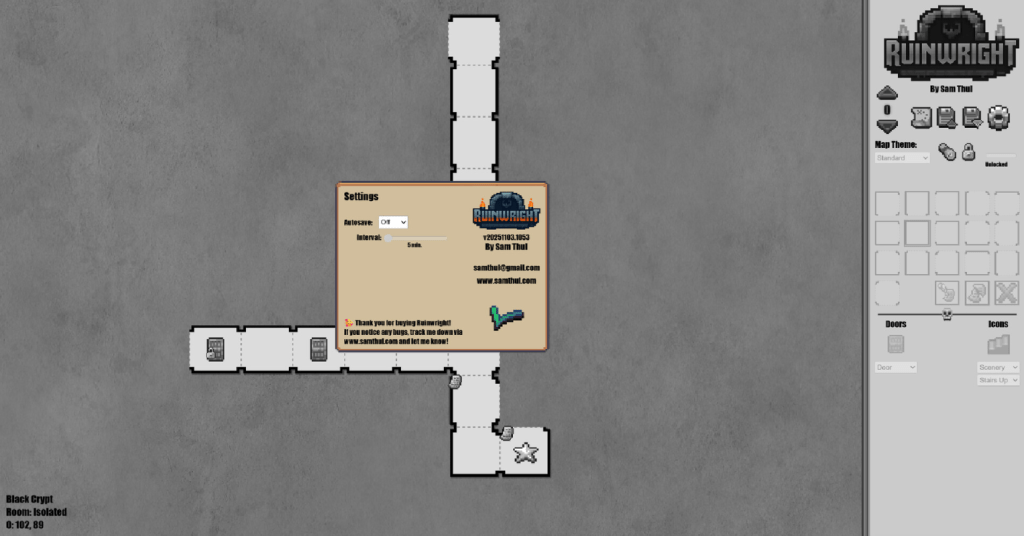
- Export Options — Maps can be exported as PNG, JPG, or JSON. That’s useful if you want to share, print, or import maps into other tools (e.g. game engines, tabletop VTTs, design docs).
- Simple & Lightweight — Ruinwright isn’t loaded with features you might never use. It’s meant to be fast to pick up, quick to use, and stay out of the way of your creativity.
Let us Indie Games Tavern make it short: open → sketch rooms/doors/connections → annotate and layout → zoom/edit/export → save/share.
3. What Works Really Well
Nostalgic “Graph Paper + Pencil” Feel
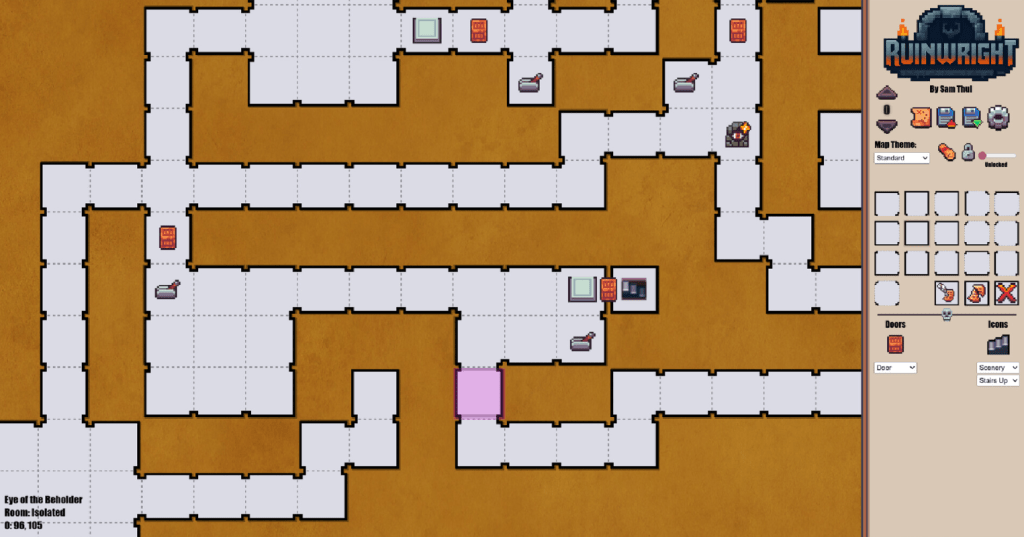
If you grew up mapping dungeons on paper or playing classic grid-based RPGs, Ruinwright nails the nostalgia. The “hand-drawn pixel / grid-paper” aesthetic and intuitive interface mimic that old-school mapping vibe — but with modern conveniences (undo, zoom, infinite canvas, easy editing).
Versatility: Beyond Just “Standard Dungeons”
Ruinwright isn’t limited to uniform square-room dungeons. Because of the freeform “lines” mode and flexible node & door connections, it works well for non-grid layouts too: caves, branching adventure path maps, horror-game maps, adventure game rooms, or even overworld-style layouts.
This versatility means it’s useful for:
- classic CRPG playthrough mapping (tracking explored areas, secrets, loot)
- tabletop RPG dungeon / world design
- pen-and-paper campaign prep
- indie game prototyping / level design
- narrative adventure games with non-grid layouts
Good Export & Integration Options
With export support (PNG/JPG for visual use, or JSON for data), Ruinwright isn’t a closed, static tool — you can easily take your map into other tools: game engines (e.g. Unity, Godot), VTT platforms, printing, sharing on forums, or as reference sheets.
Lightweight & Easy To Use — No Bloat
Unlike some mapping/level-design tools that try to do everything (3D, lighting, AI pathfinding, heavy scripting), Ruinwright stays focused on the simple task of “drawing maps.” That minimalism makes it accessible and quick to learn.
For people who want mapping, not tool-overhead, that’s a big plus.
Active Development & Updates
Ruinwright’s developer has already posted patches even as of late November 2025 — adding quality-of-life features (like new backdrops, bug fixes, tile-flipping hotkeys, better resize behavior). This suggests the tool is alive, responsive to feedback, and likely to improve — encouraging for future uses beyond the initial release. To us at Indie Games Tavern, this is a huge plus point, one of the most important reason why we decided to write this “indie game review” article.
Areas for Considerations
It’s a Tool, Not a Game
First — Ruinwright is not a game. If you expected action, story, or playthroughs, this isn’t it. What you get is a utility to help build or record maps. It’s ideal for creators, dungeon-masters, or mappers — not players seeking an in-game experience. If your goal is to play rather than design, this won’t satisfy you.
No Community Reviews Yet / Small Userbase
At launch, Ruinwright has “no user reviews” on Steam. That’s not unusual for a utility, but it means there’s limited “social proof.” As a buyer, you might want to wait until more users report their experience before relying heavily on it. Also: real-time stats show currently “0 players in-game” according to Steam charts — again, not too surprising for a mapping tool, but it suggests this is a niche product with limited active usage.
Limited Scope — Don’t Expect Full-Fledged Level Editor
Ruinwright is intentionally minimal. It lacks physics, dynamic lighting, scripting, game logic, or interactive elements. For a simple map sketch or planning environment — that’s fine. But if you need a full level editor (for e.g. 3D games, AI navigation, interactive events), you’ll need a more advanced tool or engine.
Art/Theme Variety Still Growing
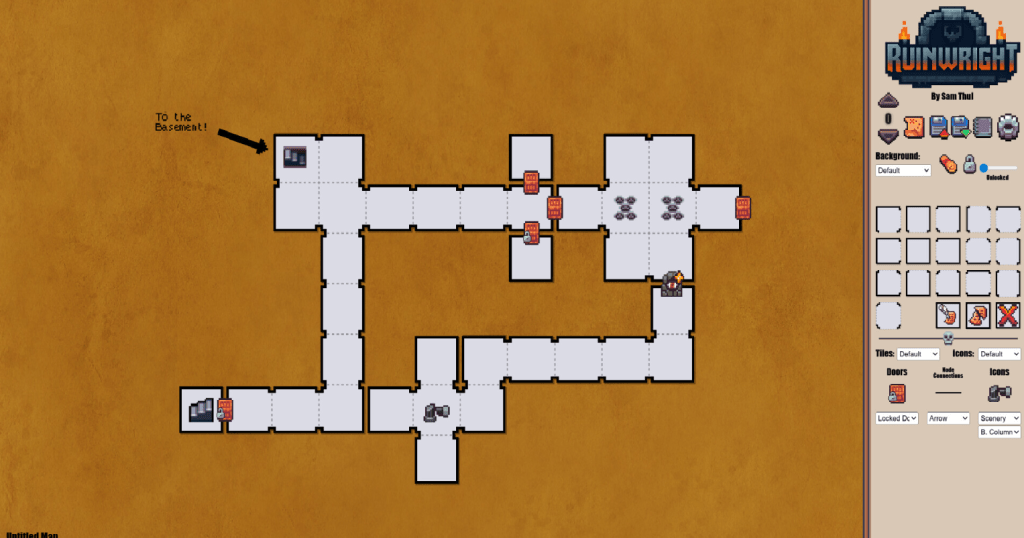
While the “paper-graph” aesthetic works well for classic styles, the current theme selection is limited. The developer has promised more themes/icons in the future, but right now customization options (visual styles, icon sets, varied tilesets) remain modest. If you prefer highly stylized or modern-looking maps, you may find the visual options too basic.
Windows Only / Utility Limitations
As per Steam metadata, Ruinwright currently only supports Windows (64-bit). For macOS or Linux users, this may be a blocker or require workaround. Also — it’s not a full “suite” (no built-in campaign management, no AI pathing, no built-in asset management) — again, by design, but important depending on your expectations.
Final Thoughts
Ruinwright is a lovingly crafted, nostalgia-drenched mapping tool that hits a sweet spot for people who miss the days of graph-paper dungeon maps — but want modern convenience.
If you are creating content: whether you run tabletop sessions, play old grid-based CRPGs and want to track your progress, design levels for indie games, or just like sketching world layouts, this tool gives you an elegant, no-bloat environment. The ease of use, export flexibility, and simple interface make it one of the most accessible mapping utilities out there — especially for 2025.
On the flip side, don’t buy this expecting a “game.” Consider it as a digital notebook — minimal, but often more powerful and tidy than tracing on paper. If you want advanced level-design tools (physics, scripting, 3D, interactivity), you’ll outgrow it.
Let us at Indie Games Tavern wrap up this “indie game review”, for map-makers and creators, Ruinwright is a strong “yes.” For players looking for gameplay — it’s a pass.
Who Should Use / “Play” It?
- Tabletop RPG/Gamemaster: Great for designing dungeons, adventure maps, and campaign notes.
- Retro RPG Fans / Speed-runners / Classic CRPG Players: If you replay old grid-based games and want to chart explored areas, secrets, or loot — this is ideal.
- Indie Developers & Level Designers: Useful for quick layout prototyping, 2D or 3D blockout planning (especially with JSON export).
- Story / Worldbuilders: For authors, writers, or game-writers planning layered worlds or multi-floor structures.
- Casual Creators: If you enjoy sketching maps — but not ready for full-blown engines — this delivers a “low barrier” way to plan your world.
Who Might Skip It?
- Players Seeking Gameplay: This isn’t for action, story, or interactive entertainment — skip if you want a game.
- Developers Needing Full-Fledged Level Editors: If you need physics, scripting, assets, interactivity — this tool will feel limiting.
- Mac / Linux Users: As of now, only Windows is supported, which may be incompatible for users on other OS.
- Creators Needing Advanced Visual Style: If you expect polished, modern visual maps — the default “graph-paper” aesthetic may feel too minimal or plain.
- People Expecting “All-In-One” Suite: No built-in campaign management, AI pathing, dynamic features — just mapping and layout.
Ruinwright Review by Indie Games Tavern.
Your cozy corner of indie gems. We’re more than just a indie game review channel, we’re a sanctuary for the unsung heroes of indie gamedev. Born from a love of the underdog, the quirky, and the downright brilliant, the Indie Games Tavern is your trusty guildhall for discovering the finest indie games—those hidden gems, wild experiments, and heartfelt labors that big studios often overlook. Picture this: a weathered oak table laden with scrolls—each a indie game review penned by your tavern scribes, folks like me who’ve braved the pixelated wilds to bring you tales of triumph, terror, and everything in between.
 Indie Games Tavern
Leave a comment